


You scheduled the post for Tuesday, 9:00 a.m. At 9:47 you check the site, and instead of a published article there’s a red label in your Posts list: Missed schedule. The post didn’t fail — it just sat there, fully written, while WordPress quietly did nothing.
This is one of the most misunderstood errors in WordPress, because the cause isn’t a bug — it’s a design decision. Once you know how WordPress keeps time (spoiler: it doesn’t), the fix takes five minutes and the error never comes back.
Quick answer: The WordPress missed schedule error happens because WordPress has no real clock — scheduled publishing depends on wp-cron, which only runs when someone visits your site. If nobody visits at publish time (or caching, a disabled cron, or hosting restrictions prevent it from firing), the schedule is missed. Immediate fix: open the stuck post and hit Publish. Permanent fix: replace wp-cron with a real server cron job — Fix 3 below.
Why WordPress Misses Schedules in the First Place
This guide is part of my complete guide to fixing common WordPress errors — the hub that maps every common error to its fix.
WordPress schedules tasks — publishing posts, checking updates, running backups — with a system called wp-cron. Despite the name, it isn’t a real cron: it’s a to-do list that gets checked whenever a page on your site loads. A visitor arrives, PHP runs, wp-cron glances at the list, and anything overdue gets executed.
See the flaw? If no one loads a page at 9:00, nobody is home to press the publish button. Low-traffic sites miss schedules constantly for exactly this reason — and well-cached sites can miss them too, because cached pages are served without running PHP at all. The fixes below go from fastest to permanent.
Fix 1: Publish the Stuck Posts Right Now
First, triage. In Posts → All Posts, anything labeled Missed schedule is sitting in limbo: open it and click Publish, or use Quick Edit and set the status to Published without opening the editor. If several posts are stuck, Quick Edit down the list — it takes seconds per post. Now let’s make sure it doesn’t happen again.
Fix 2: Check Whether WP-Cron Was Disabled
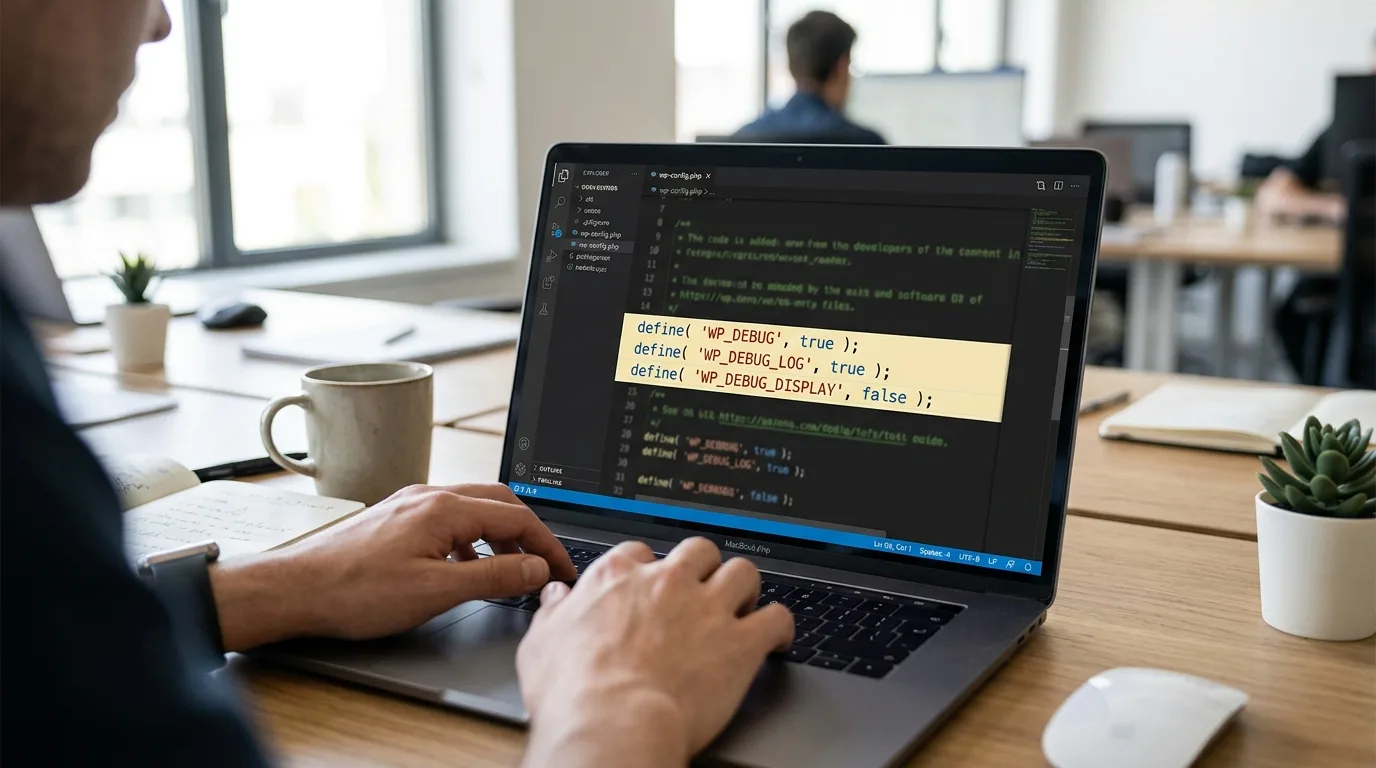
Open wp-config.php and look for this line:
define( 'DISABLE_WP_CRON', true );On its own, that line is neither good nor bad — it’s half of a good idea. Disabling wp-cron is the right move only when a real server cron replaces it (Fix 3). The classic missed-schedule cause is a speed guide that said “disable wp-cron” and a reader who did step one of two: cron off, no replacement, and every schedule silently dies. If the line is there with no server cron behind it, either remove it or — better — finish the job below.
Fix 3: Set Up a Real Cron Job (the Permanent Fix)
This is the fix that ends missed schedules for good: stop relying on visitors and let the server keep time. Two steps.
First, tell WordPress to stop running its pseudo-cron on page loads, in wp-config.php:
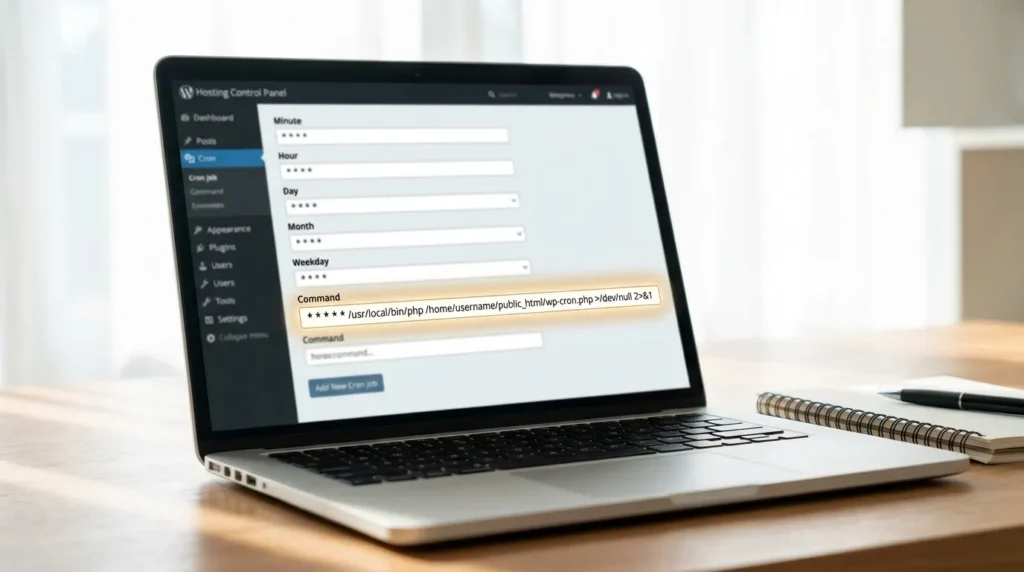
define( 'DISABLE_WP_CRON', true );Second, create a real cron job in your hosting panel (cPanel → Cron Jobs, or hPanel → Advanced → Cron Jobs on Hostinger) that calls WordPress’s cron file every five to ten minutes:
*/5 * * * * wget -q -O - https://yoursite.com/wp-cron.php?doing_wp_cron >/dev/null 2>&1Now scheduled posts publish within five minutes of their time, every time, whether anyone visits or not — and as a bonus, cron work stops piggybacking on your visitors’ page loads. I walk through the same setup from the performance angle in my slow WordPress admin guide, because a backed-up wp-cron slows the dashboard too.
Fix 4: Check Your Timezone Settings
Sometimes the schedule wasn’t missed — it was never when you thought it was. In Settings → General, set the timezone to your actual city rather than a raw UTC offset. WordPress schedules in the site’s timezone, so if the site thinks it lives in UTC while you live in Karachi, your “9:00 a.m.” post is set for five hours earlier or later than you intended. Fix the timezone once, and re-check the scheduled time on anything currently in the queue.
Fix 5: Don’t Let Caching Starve the Cron
Here’s the version of this error that confuses well-optimized sites: full-page caching serves visitors saved HTML without executing PHP — which is fantastic for speed and terrible for a cron system that only wakes up when PHP runs. A small site with a high cache-hit ratio can go hours without a single PHP request, and every schedule in that window is missed.
Don’t fix this by weakening your cache — purging it won’t help either, since the problem is what happens between visits, not stale copies. The real cron from Fix 3 solves it completely: publishing no longer depends on page loads at all. (On the LiteSpeed stack, the crawler that pre-warms your cache also happens to generate periodic PHP activity — a side benefit, not a substitute.)
Fix 6: Clear a Backed-Up Cron Queue
Install the free WP Crontrol plugin and open Tools → Cron Events. A healthy list shows events scheduled in the near future; a sick one shows dozens of jobs marked overdue, or one plugin that has scheduled itself hundreds of times. A clogged queue means even when cron does fire, your publish job is waiting behind a pileup. With the real cron from Fix 3 running every five minutes, a backlog drains on its own within the hour — if one plugin keeps flooding the queue afterwards, that plugin is your next investigation.
Fix 7: Rule Out Hosting Restrictions
If schedules still misfire with a real cron in place, the host is interfering. Two checks: open Tools → Site Health and look for a failed loopback request test — some hosts block sites from calling themselves, which breaks the default wp-cron trigger entirely. And ask support directly whether they limit cron frequency or kill long-running cron processes; some budget plans cap crons at every 15–30 minutes. If the honest answer is “our plan doesn’t really support reliable crons,” that tells you something bigger about the plan.
A Word on “Missed Schedule Fixer” Plugins
There are plugins whose whole job is republishing missed posts. They work — by checking for stuck posts on page loads, which is the same visitor-dependent mechanism that failed you in the first place. They’re a bandage on a problem that has a five-minute cure. Set up the real cron; skip the bandage.
How to Never See This Error Again
- Run the real server cron from Fix 3 — it’s the entire prevention plan in one move.
- Keep the timezone honest — city-based setting, checked once after any migration.
- Glance at WP Crontrol quarterly — a thirty-second look catches a queue-flooding plugin before it costs you a launch.
Frequently Asked Questions
Why do my WordPress scheduled posts keep missing their schedule?
Because WordPress publishing depends on wp-cron, which only runs when a page on your site is loaded. Low traffic at publish time, heavy caching that serves pages without running PHP, a disabled wp-cron with no replacement, or host restrictions all leave nobody home to press the publish button. A real server cron job ends it permanently.
Does the missed schedule error hurt SEO?
The error itself doesn’t — Google never sees it. The cost is indirect: content landing later than planned, broken publishing consistency, and in the worst case a time-sensitive post going out after the moment has passed. Fix the cron and the SEO question disappears with the error.
What is the best plugin to fix missed schedule in WordPress?
Honestly: none. Missed-schedule plugins republish stuck posts by checking on page loads — the same visitor-dependent mechanism that caused the miss. The reliable fix is free and takes five minutes: disable wp-cron in wp-config.php and add a real server cron job that calls wp-cron.php every five minutes.
How does wp-cron actually work?
It’s a task list, not a clock. On every page load, WordPress checks whether any scheduled task — publishing, update checks, cleanups — is overdue, and runs what it finds. That design needs no server configuration, which is why WordPress ships with it, but it makes timing depend entirely on visits.
Is it safe to disable WP-Cron?
Yes — as long as a real server cron replaces it. Disabling without a replacement is how many missed-schedule problems start. With a server cron calling wp-cron.php every five minutes, everything scheduled runs more reliably than before, and your visitors stop paying the cron tax on their page loads.
Wrapping Up
Missed schedule isn’t really an error — it’s WordPress admitting it has no clock. Publish the stuck posts, give the site a real cron, sanity-check the timezone, and scheduling becomes the boring, reliable feature it always should have been. If an interrupted update has instead left your site showing a maintenance message, my guide to fixing WordPress stuck in maintenance mode walks through it.
And if your site’s scheduling problems turn out to be one symptom of a generally misbehaving setup — that’s my day job. Get in touch and I’ll take a look.
Shahbaz Ali is a senior WordPress developer with 6+ years of agency experience, specializing in WordPress development, speed optimization, and emergency fixes.